Hey there, fellow gamer! 🎮 If you’ve ever found yourself frustrated by laggy gameplay or choppy FPS (ugh, we’ve all been there), then you’re in the right place. Whether you’re looking to smooth out those graphics, level up your skills, or just make your entire gaming setup feel more pro, this guide has got you covered. From upgrading your hardware to mastering your in-game strategies, we’re diving into all the tips and tricks to help you take your gaming experience from “meh” to “wow!” Let’s get started!
Step 1: Optimize Your Hardware for Peak Performance
Assess and Upgrade Key Components
The first step to improving your gaming performance is to ensure your PC’s hardware can handle the demands of modern games. If you’re experiencing lag or low FPS, it’s likely time to look into upgrading key components like your GPU, CPU, and RAM. A well-balanced system will prevent bottlenecks that limit performance.
- GPU (Graphics Card): The powerhouse for rendering game visuals. If you’re running the latest games, having an outdated GPU can severely limit your experience.
- CPU (Processor): While the GPU handles graphics, the CPU manages overall performance. Games with heavy AI or large open worlds rely on a strong processor.
- RAM: If you’re running multiple programs or playing open-world games, having at least 16GB of RAM is recommended for smooth gameplay.
- SSD (Solid-State Drive): Not only will an SSD drastically reduce your load times, but it will also make your overall system more responsive.
Keep Your System Clean and Cool
A clean system performs better, period. Dust can accumulate in your PC, causing it to overheat and throttle performance. Regularly clean your fans and case to keep airflow optimal, and consider adding extra cooling like liquid cooling or additional fans if you’re gaming for long periods.
Regular Maintenance and Updates
Keep your system running smoothly by performing regular maintenance:
- Update your drivers, especially your graphics card driver.
- Use tools like Disk Cleanup and Defragmentation (for HDDs) to keep your storage optimized.
- Close unnecessary background applications while gaming to free up system resources.
Step 2: System Settings for Maximum Efficiency
Power Settings and Background Apps
Ensure your PC is running in High Performance mode, which allocates more power to your system’s core components. This can be adjusted in your Power Options settings. Also, close background applications that hog CPU or RAM, such as web browsers, cloud syncing apps, or antivirus scans.
Optimize In-Game Settings
Tweaking your in-game graphics settings can make a world of difference in FPS without sacrificing much in terms of visuals:
- Lower settings for features like motion blur, shadow quality, and anti-aliasing to get smoother gameplay.
- Experiment with resolution settings. Sometimes dropping your resolution slightly can boost performance without a noticeable dip in quality.
Step 3: Boost FPS with Advanced Techniques
Update Your Graphics Drivers Regularly
Outdated drivers can hold back your hardware’s potential. Check your GPU manufacturer’s website (like NVIDIA or AMD) for driver updates. These updates often include performance optimizations for new games.
Overclocking Your GPU and CPU Safely
Pushing your hardware beyond its default settings can extract additional performance. Start small and use tools like MSI Afterburner or RivaTuner to monitor your system’s temperature and stability. Remember, overclocking can generate more heat, so ensure your cooling solution is up to the task.
Use Performance Monitoring Tools
Software tools like MSI Afterburner can help you track temperatures, clock speeds, and fan speeds. Keeping an eye on these stats ensures your system is running optimally and helps you avoid performance drops from overheating.
Step 4: Elevate Your Gaming Setup
Ergonomics and Comfort
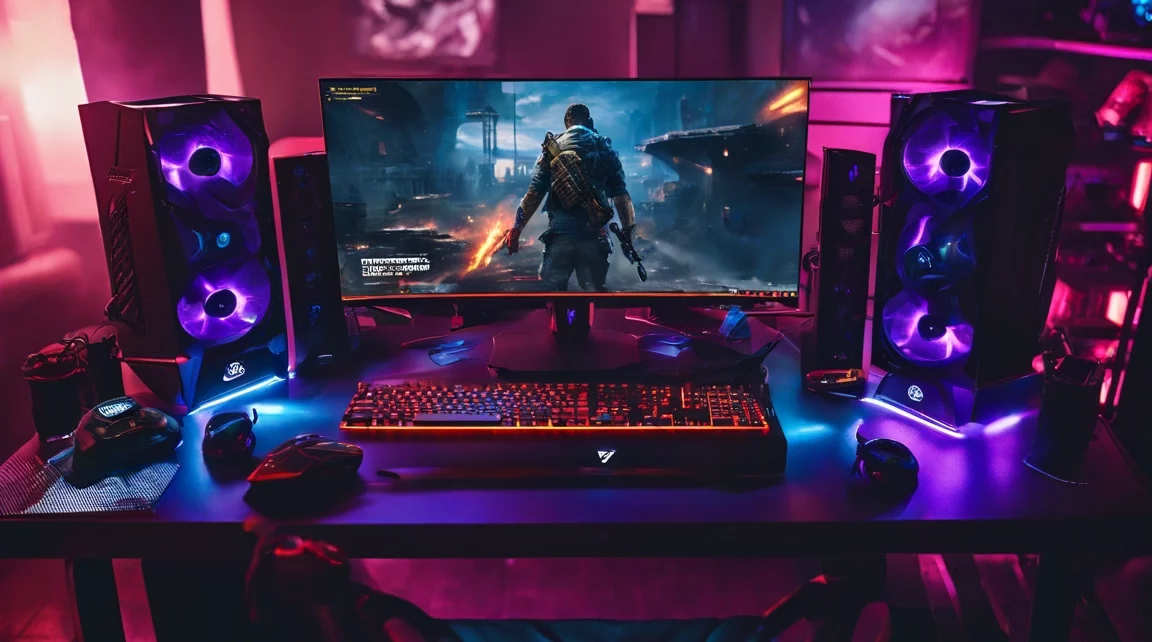
An ergonomic gaming setup can significantly improve your performance and comfort during long sessions. Here’s what you should consider:
- A comfortable chair that supports good posture.
- A responsive mouse and keyboard for precision.
- A high-refresh-rate monitor (120Hz or higher) for smoother visuals and reduced input lag.
A better setup not only prevents fatigue but can also enhance your reaction times, giving you the edge in competitive games.
Leverage DLSS and Ray Tracing
If you have a modern NVIDIA graphics card, take advantage of features like DLSS (Deep Learning Super Sampling) to upscale resolution and improve FPS without sacrificing quality. Ray Tracing can make games look stunning but may come at a performance cost—so experiment to find the best balance.
Step 5: Network Optimization for Seamless Online Play
A strong, stable connection is essential for online gaming. Follow these tips to minimize lag:
- Use a wired connection whenever possible. Ethernet cables provide a more stable and faster connection than Wi-Fi.
- Consider using a gaming router or enabling QoS (Quality of Service) settings to prioritize gaming traffic.
- Restart your router regularly to clear cache and improve connection stability.
Step 6: Master Your Gameplay – Enhancing Skills
Develop Strategic Thinking
Games that require strategy and planning can sharpen your decision-making skills. RTS (Real-Time Strategy) games or even games like chess help improve your ability to think ahead, adapt to changing situations, and make fast decisions under pressure.
Improve Hand-Eye Coordination
Fast-paced games like first-person shooters (FPS) are excellent for honing your reflexes and improving precision. Spend time practicing in aim trainers or with in-game drills to boost your reaction times.
Learn from Pros
Watching professional gamers and streamers can accelerate your learning curve. Pay attention to their strategies, movement, and decision-making. Engage with the gaming community through Discord channels, forums, or Twitch to gain insights from experienced players.
Final Thoughts
By optimizing your hardware, tweaking your settings, and sharpening your skills, you can achieve high-performance gaming. Whether you’re looking to boost FPS, reduce lag, or simply improve your comfort and efficiency, following these steps will take your gaming experience to the next level. Remember, gaming is about finding the perfect balance between performance and enjoyment – so experiment with what works best for your system and playstyle.
This comprehensive guide should give you everything you need to start optimizing your gaming setup. Take each step gradually, and soon you’ll notice significant improvements in both performance and skill!