Jumping into the world of Twitch streaming can be exciting but requires careful preparation. First things first, creating an engaging profile is crucial. Your username should be memorable and reflect your gaming persona because it’s your brand. A compelling bio is equally important—it gives potential followers a glimpse of who you are and what to expect from your channel.
Setting Up Your Streaming Equipment
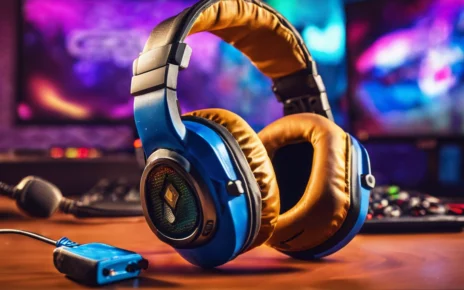
Don’t feel pressured to invest in high-end equipment right away. For beginners, focus on the essentials: a good microphone, a decent webcam, and a stable internet connection. Audio quality should be your top priority because clear communication keeps viewers engaged. Software like OBS Studio and Streamlabs are free and offer user-friendly interfaces to help you set up your stream’s layout and manage your broadcasts with ease.
Your Streaming Space and Aesthetics
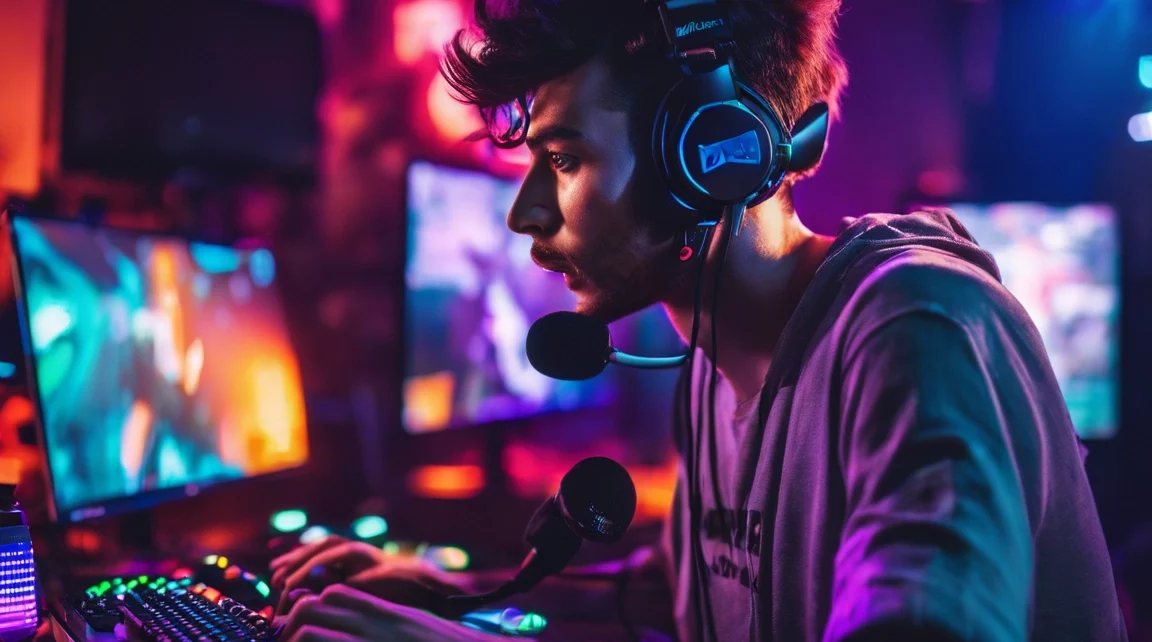
Your streaming environment also plays a role in your success. A tidy, visually appealing setup shows professionalism, even if you’re streaming from your bedroom. Add personal touches, like LED lights or posters, to reflect your personality and make your stream stand out. A clutter-free space, combined with a creative background, enhances the viewer experience and keeps them returning.
Twitch Guidelines and Best Practices
Before going live, make sure to review Twitch’s community guidelines. Familiarize yourself with the platform’s rules to avoid any penalties or bans. By promoting a respectful and positive environment, you create a safe space that encourages audience growth and long-term success. Keep your language and content within Twitch’s guidelines to foster a welcoming atmosphere for all viewers.
Building and Engaging Your Audience
Growing your audience on Twitch takes time, but with a strategic approach, you can accelerate this process. Start by sticking to a consistent streaming schedule. Whether it’s daily, weekly, or bi-weekly, your audience needs to know when to find you online. Regularity builds anticipation, and your viewers will plan to tune in at those times.
Your content should showcase your personality and niche. Whether you’re offering gameplay tips, focusing on humor, or delving deep into storytelling, authenticity shines through. Viewers are drawn to streamers who are genuine and passionate about what they do.
Viewer interaction is key. Always engage with your chat—respond to comments, ask questions, and make them feel part of the stream. Use follower alerts and chat shout-outs to recognize loyal viewers, making them feel appreciated. Building this rapport transforms passive viewers into active community members.
Leveraging Social Media to Grow Your Twitch Channel
Social media platforms are powerful tools for growing your Twitch audience. Post highlights from your stream, update followers on your schedule, and engage with fans beyond Twitch. Platforms like Twitter, Instagram, TikTok, and YouTube are ideal for sharing clips, promoting upcoming streams, and interacting with fans. This engagement keeps your audience connected and increases the likelihood of pulling in new viewers.
Hosting Creative Content and Events
Adding variety to your streams can captivate viewers and keep them coming back. Try hosting interactive Q&As, setting up challenges or themed streams, and collaborating with other streamers. These unique events differentiate your channel from others and provide a fresh reason for viewers to return.
Another tactic is to get involved in Twitch Raids, where you send your viewers to another streamer’s channel after your stream. It’s a great way to network, build community, and introduce your viewers to like-minded creators.
Optimizing Stream Quality for Viewer Satisfaction
Stream quality is everything when it comes to viewer retention. Focus on optimizing both video and audio settings to ensure a smooth, high-quality stream. Tools like OBS Studio allow you to adjust settings for the best performance, even if you’re working with lower-end hardware. Balancing resolution and frame rate is key to avoiding lag or stuttering.
A wired internet connection is highly recommended to prevent any dropouts during crucial moments in your stream. Checking your upload speed regularly ensures it meets Twitch’s minimum requirements for streaming without interruptions.
Custom overlays and alerts add to the overall visual appeal of your stream. These graphics aren’t just cosmetic—they keep viewers engaged by offering visual cues that something exciting is happening, like a new follower or donation. Using programs like Streamlabs or StreamElements, you can easily create and manage overlays that reflect your brand or personal style.
Using Extensions and Third-Party Tools
Take advantage of Twitch’s built-in extensions and third-party tools to enhance viewer engagement. Popular extensions like polls, song requests, and even interactive games can make your stream more interactive. These tools help engage viewers in real-time, turning passive viewers into active participants.
Explore integrations like StreamAvatars, where viewers control characters on-screen, or Twitch’s “Channel Points,” which allows viewers to redeem rewards for watching and participating in your streams. These interactive elements give your audience more reasons to stay engaged.
Monetizing Your Twitch Channel
If you’re serious about streaming, earning money on Twitch is a realistic goal. Begin by working toward Twitch Affiliate status, which unlocks features like Bits, subscriptions, and ads. Once you hit Affiliate status, your viewers can financially support you through these features, turning your stream into a potential revenue source.
Sponsorships are another avenue for monetization. As your channel grows, reaching out to brands that align with your content opens up partnership opportunities. Sponsorship deals often involve promoting products or services that resonate with your audience, ensuring an authentic and mutually beneficial relationship.
Merchandising is an effective way to build your brand while earning extra income. With platforms like Teespring or Streamlabs Merch, you can easily design and sell branded items like T-shirts, mugs, and stickers. Loyal fans love to support streamers they admire, and custom merch gives them a tangible way to do so.
Finally, offering tiered subscription options with perks like exclusive content, special badges, or early access to streams creates additional value for your followers. Providing extra benefits keeps subscribers engaged and motivates others to join.
Advanced Streaming Tips for Long-Term Success
To ensure long-term success on Twitch, consistently work on improving your streams. Analyze past broadcasts to identify areas where you can improve, whether it’s through refining your commentary, enhancing your gameplay, or improving your interactions with viewers.
Stay up to date with streaming trends, whether it’s new games, tech updates, or emerging streaming features. Adaptability is key in this ever-evolving landscape. Networking with other streamers, collaborating on events, and cross-promoting content across platforms can significantly boost your visibility.
Conclusion: The Path to Twitch Success
Effective Twitch streaming requires more than just turning on your camera and playing games. By building a solid foundation with quality equipment, engaging content, and audience interaction, you can create a thriving channel. Fostering community, optimizing your stream quality, and monetizing through subscriptions, sponsorships, and merch will help sustain your growth.
With consistency, creativity, and dedication, you can turn your passion for gaming into a successful Twitch channel. Stay authentic, engage with your audience, and continue refining your craft, and soon, you’ll see the rewards of your hard work.