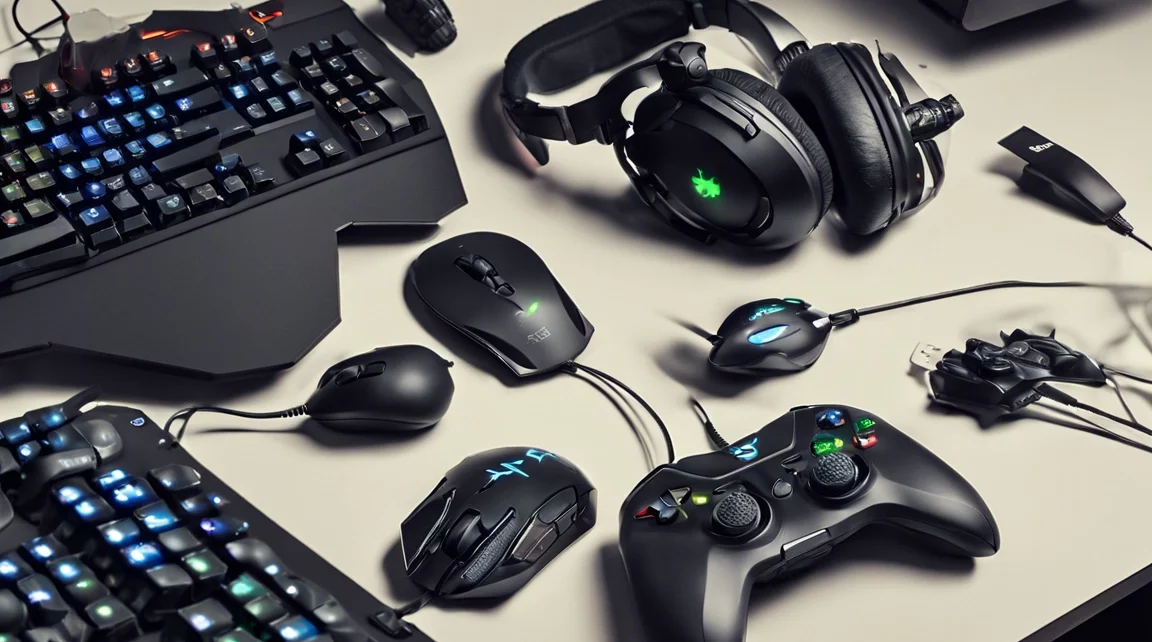
Finding great gaming gear that won’t break the bank is possible. Here’s a guide to the best gaming gadgets and accessories for under $100, perfect for leveling up your gaming experience without overspending.
Best Budget Gaming Mice
A good gaming mouse is essential for precision and comfort. Two great options under $50 are:
- Logitech G203 LightSync – Offers solid performance with customizable RGB lighting.
- Razer DeathAdder Essential – Known for its ergonomic design and precise tracking.
Best Budget Gaming Keyboards
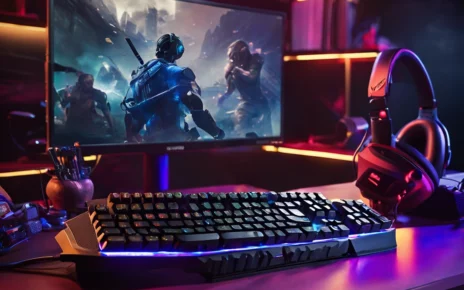
A quality keyboard can make a big difference in gaming. Consider these top picks:
- Redragon K552 – A mechanical keyboard under $50 with clicky keys and durable build.
- Corsair K55 RGB – Slightly closer to $100, featuring customizable macros and quiet keys.
Best Budget Gaming Headsets
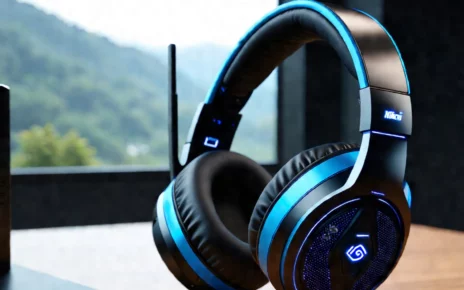
For immersive sound without spending a fortune, these headsets are worth checking out:
- HyperX Cloud Stinger – Under $50 with excellent sound quality and comfort for long sessions.
- SteelSeries Arctis 1 – Clear audio and versatile compatibility with PCs, consoles, and mobile devices.
Best Budget Gaming Controllers
Console gamers benefit from a good controller. Check out these options:
- Xbox Wireless Controller – Often on sale for under $100, offering durability and multi-device compatibility.
- 8BitDo SN30 Pro+ – A versatile, retro-style controller under $50 with wide platform compatibility.
Best Budget Gaming Monitors
A gaming monitor can enhance your experience. For under $100:
- Acer SB220Q – A 21.5-inch Full HD display with excellent color accuracy and ultra-thin design.
Building a Gaming PC on a $100 Budget: Is It Possible?
Building a powerful gaming PC for just $100 seems far-fetched, but with smart choices and strategic upgrades, it’s possible to get a decent setup. Here’s a guide to optimizing your build and making every dollar count.
Key Components for a Budget Gaming PC
To get the most performance within a tight budget, focus on these essential components:
- CPU: The AMD Ryzen 5 5600X offers strong performance at a reasonable price, balancing cost and efficiency.
- GPU: Affordable mid-tier GPUs like the NVIDIA GTX 1660 Super or AMD Radeon RX 5600 XT provide excellent graphics performance without blowing the budget.
- Motherboard: The MSI B550-A Pro is a reliable option that provides the essential features for gaming without unnecessary extras.
- RAM: Stick to 16GB of Corsair or G.Skill memory for smooth multitasking and lag-free gaming performance.
- Storage: Combine a 500GB NVMe SSD (e.g., Western Digital Blue SN550) for fast load times with a 1TB HDD for larger storage needs.
- Power Supply: The EVGA 600 W1 is an affordable option that ensures stable performance.
- PC Case: The NZXT H510 offers sleek aesthetics and excellent airflow, a great budget-friendly option.
Building a gaming PC on a tight budget can be incredibly rewarding. With countless online tutorials and guides, it’s easier than ever to build your own custom rig that fits your needs.
Optimizing Your Gaming Setup on a Budget
Creating an awesome gaming setup doesn’t need to break the bank. Here’s how to maximize performance without overspending.
Set a Realistic Budget
A solid gaming setup can be achieved with a budget between $50 and $100, focusing on the essentials. Prioritize where to invest your money based on your needs.
Prioritize the Essentials
To enhance your gaming experience, focus on key items like:
- Monitor: The AOC 24G2 monitor, with a 144Hz refresh rate and IPS panel, offers immersive gameplay for a reasonable price.
- Peripherals: Invest in reliable brands like Logitech, SteelSeries, and Razer. The Logitech G502 Hero mouse and SteelSeries Apex 3 keyboard deliver premium performance without the high price tag.
Upgrade Your Audio Experience
Don’t skimp on sound. Affordable headsets like the HyperX Cloud Stinger and SteelSeries Arctis 1 provide clear, crisp audio with comfort, perfect for long gaming sessions.
Future-Proofing Your Setup
To maximize the longevity of your setup, consider peripherals with good resale value or upgrade paths. For example, modular keyboards or expandable storage options can grow with your gaming needs.
Key Considerations for Gaming Performance
To ensure your gaming setup is optimal:
- RAM: 16GB of RAM is ideal for most modern games, ensuring smooth performance without overspending. Anything beyond 16GB is usually unnecessary unless you’re multitasking heavily.
- Build vs. Pre-built: Building your own PC offers better customization and value, but pre-built systems provide convenience and save time.
- Upgrading Components: Instead of replacing your entire setup, upgrading individual components (like your GPU, SSD, or RAM) can breathe new life into your system.
- Future-Proofing: Invest in a solid power supply, motherboard, and a spacious case to allow for future upgrades. This helps you save money down the road as you can easily swap out individual parts.
Conclusion: Building a Budget Gaming Setup
Building a gaming setup on a $100 budget is challenging but possible with careful planning and smart choices. Focus on key components and consider gradual upgrades to get the best performance out of your rig. By keeping an eye on sales and prioritizing essential components, you can build a gaming setup that delivers excellent performance without breaking the bank.